

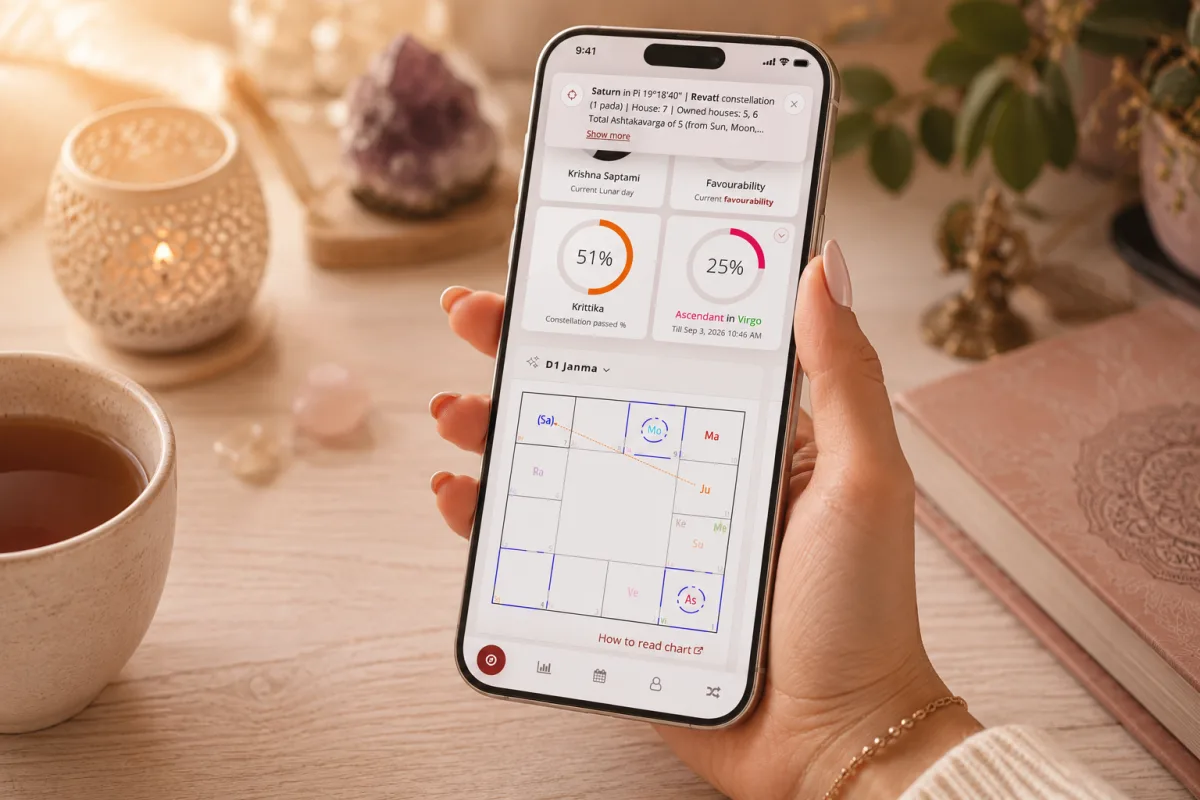
We want VedicTime to be convenient not only on your computer, but also for everyday use on your phone.
That’s why you can add VedicTime directly to your smartphone’s Home Screen and use it almost like a regular mobile app — without downloading anything from the App Store or Google Play. ✨
Once installed, VedicTime gets its own icon on your phone. One tap — and you’re right back in the familiar VedicTime interface.
✨ Why add VedicTime to your Home Screen?
If you use VedicTime regularly, this is much more convenient than keeping it in a browser tab.
Once added:
- 📱 VedicTime gets its own icon on your Home Screen;
- ✨ the portal opens in its own window and full-screen mode;
- ⚡ there’s no need to open your browser and search for the right tab every time;
- 🪐 your birth charts, transits, Panchanga, and other Jyotish tools are always just one tap away;
- 🔮 you can quickly open Jyotish Guru and continue your conversation with the AI assistant.
There’s no need to install a separate app from an app store — you’ll always be using the current version of VedicTime.
🍎 How to add VedicTime on iPhone or iPad
On Apple devices, you can do this through Safari.
- Open VedicTime in Safari.
- Tap the Share button — the square icon with an upward arrow.
- Scroll through the available actions and select Add to Home Screen.
- Confirm by tapping Add.
That’s it! 🎉
The VedicTime icon will now appear on your iPhone or iPad Home Screen. From there, you can launch the portal just like any other app.
💡 If you don’t see “Add to Home Screen” immediately, scroll further down in the Share menu.
🤖 How to install VedicTime on Android
On Android, the easiest way is through Google Chrome.
- Open VedicTime in Chrome.
- Open the browser menu.
- Select Install app or Add to Home screen.
- Confirm the installation.
Within a few seconds, the VedicTime icon will appear among your apps or on your Home Screen. ✨
The exact name of the menu option may vary slightly depending on your Android version and browser.
🌙 Especially useful for your daily practice
This format is particularly convenient if VedicTime is part of your everyday Jyotish practice.
In the morning, you can quickly check the Panchanga and current energies of the day, view transits, return to your birth chart, or ask Jyotish Guru a question — without searching for VedicTime among dozens of open browser tabs.
We continue to improve the VedicTime mobile experience so that working with Jyotish on your smartphone feels just as beautiful, fast, and convenient as it does on a larger screen.
Add VedicTime to your Home Screen — and keep your chart always within reach. 🪐✨


