
Quick start
New to VedicTime? Start with your birth chart. This guide takes you from entering your birth details to reading the result, with screenshots along the way.
1. Calculate your birth chart
Open the birth chart calculator. Choose your birth date, local birth time, and birthplace, then run the calculation.
The result includes D1 Rasi and D9 Navamsha charts. The image below uses example data: 3 May 2003, 10:00 AM, Lisbon, Portugal.
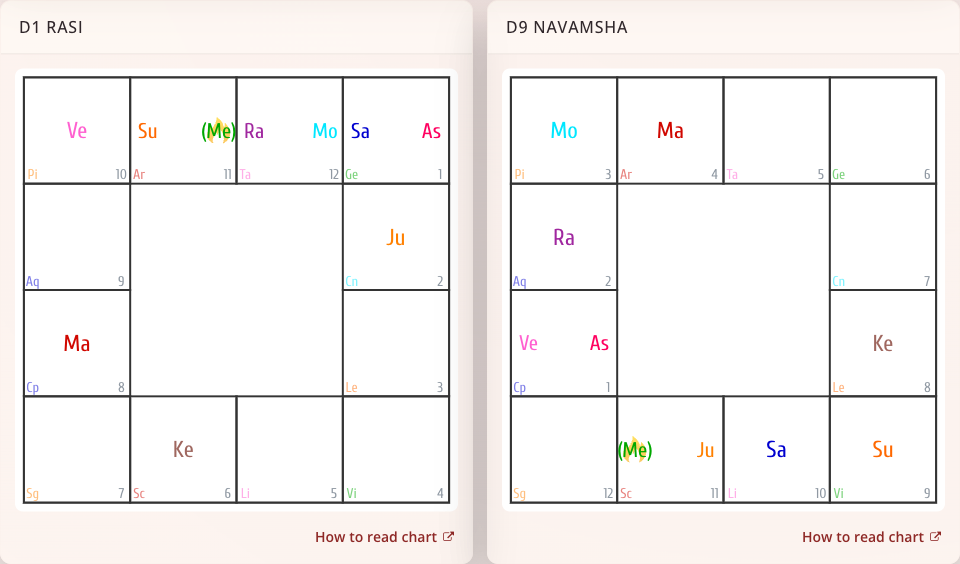
Follow the illustrated calculation guide →
2. Find your way around the chart
Start with the ascendant and the planets in their signs and houses. Then explore aspect markings and display settings.
Read a birth chart, with illustrated examples →
3. Choose your next tool
Use Panchang for a selected day and place, the calendar to browse dates, or compatibility to compare two birth charts.
- Explore planet information and strength.
- Follow planetary periods and search transits.
- Compare two birth charts.
- Save, edit, and share your charts.
4. Keep VedicTime on your phone
Add the website to your home screen to open it from its own icon.
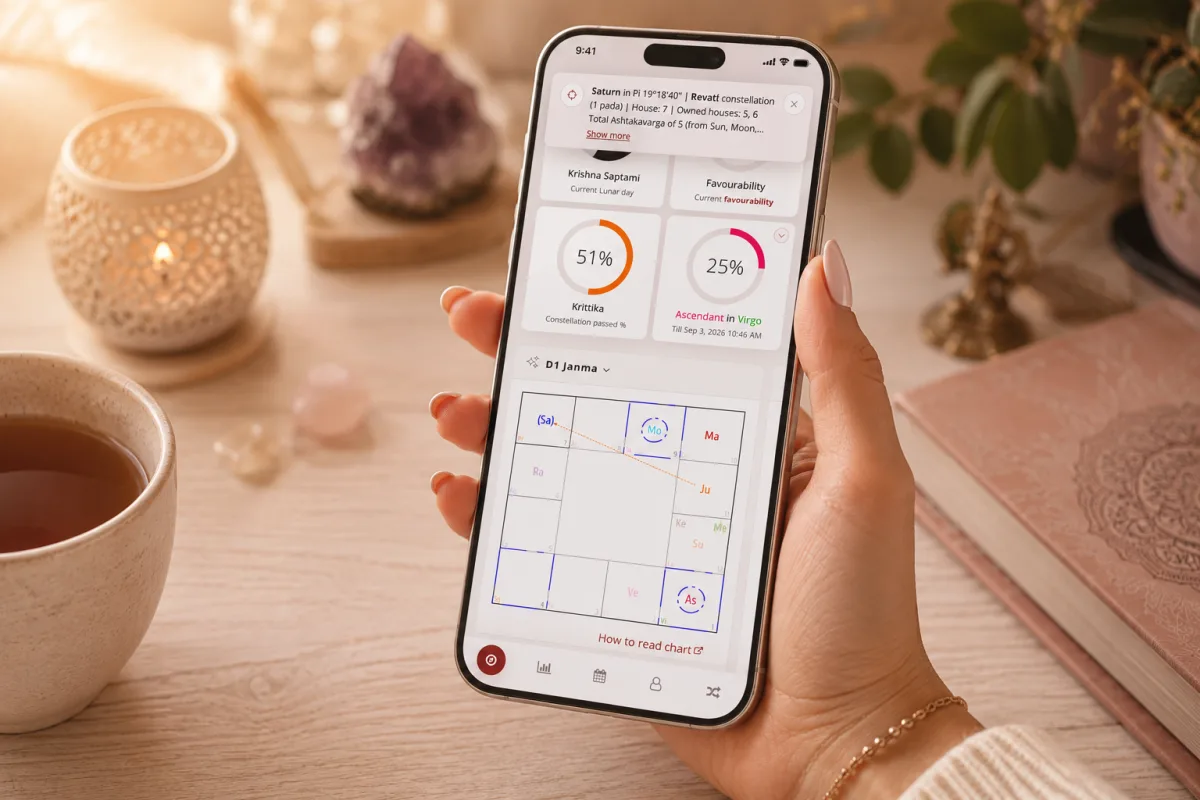
Installation instructions for iPhone, iPad, and Android →
Explore your chart with the AI assistant
Start a dialogue with Guru, choose the right chart, and ask focused questions. The dedicated assistant guides explain context, personal memory, and how credits are used.
Need help?
Use Search to find a topic, or open Questions and support. On a phone, Menu opens the guide's topic list.