
Install VedicTime on your phone
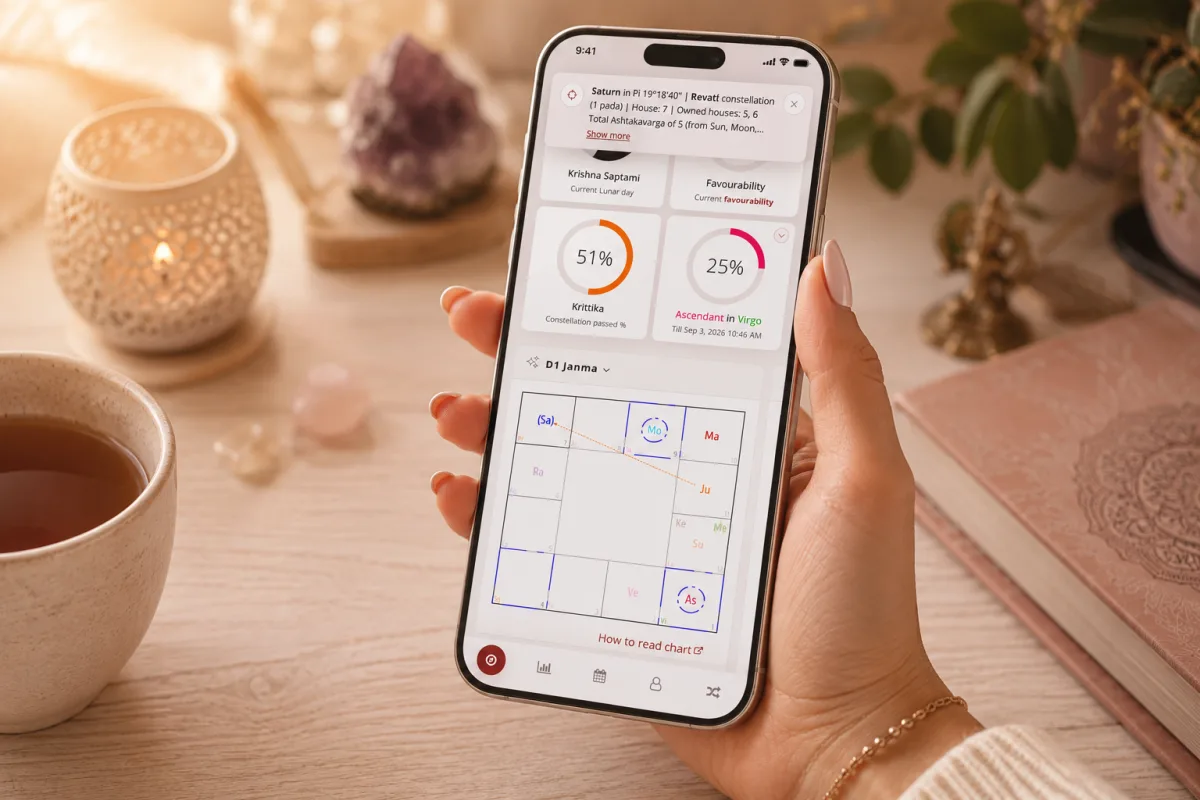
Add VedicTime to your home screen to launch it from its own icon. You use the same service without downloading a separate app from the App Store or Google Play.
iPhone and iPad
- Open VedicTime in Safari.
- Open Share — the square with an upward arrow. Depending on your Safari layout, you may need to open the browser menu first.
- Choose Add to Home Screen.
- If Open as Web App is shown, enable it to open VedicTime in its own window.
- Confirm with Add.
Missing the option?
Scroll down the Share menu. On iPhone, use Edit Actions to add the missing home-screen action. On iPad, you may first need to expand the additional actions.
Android
- Open VedicTime in Chrome.
- Open the browser menu beside the address bar.
- Choose the installation option. Depending on your version, it may appear as Install app, Add to Home screen, or Install and create shortcut → Install.
- Follow the confirmation prompts.
Open VedicTime
Find the new VedicTime icon on your home screen or in your app list and tap it. You can return to your charts, Panchang, transits, and AI assistant without looking for a browser tab.